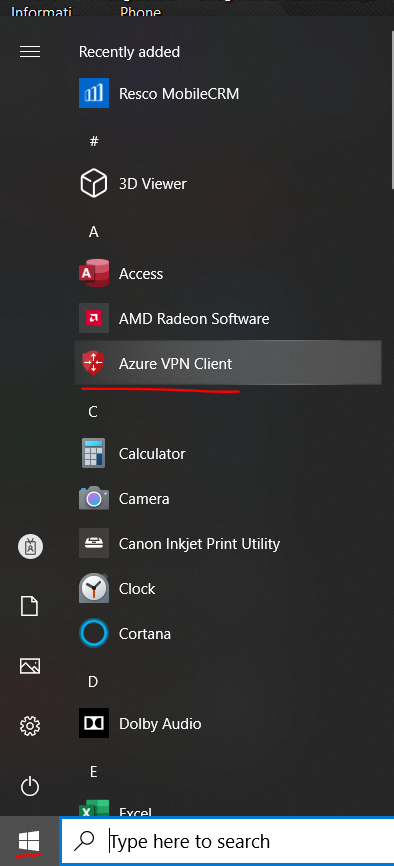
To connect to GP or remote apps, a good internet connection is required. Azure VPN Client will be needed if you are not connected to CPS-WiFi. It can be find clicking on the Windows icon on the bottom left corner of the taskbar.
If connecting to a public Wi-Fi or hotspot, connection quality will vary and may not be reliable.
For information on how to connect to Azure VPN Client, go here: https://cliffordpower.freshdesk.com/en/support/solutions/articles/48001213223-how-to-connect-to-clifford-vpn-
Was this article helpful?
That’s Great!
Thank you for your feedback
Sorry! We couldn't be helpful
Thank you for your feedback
Feedback sent
We appreciate your effort and will try to fix the article