SOS Fix - Table background is gone

Created by CPS Helpdesk, Modified on Fri, Aug 4, 2023 at 4:14 PM by CPS Helpdesk

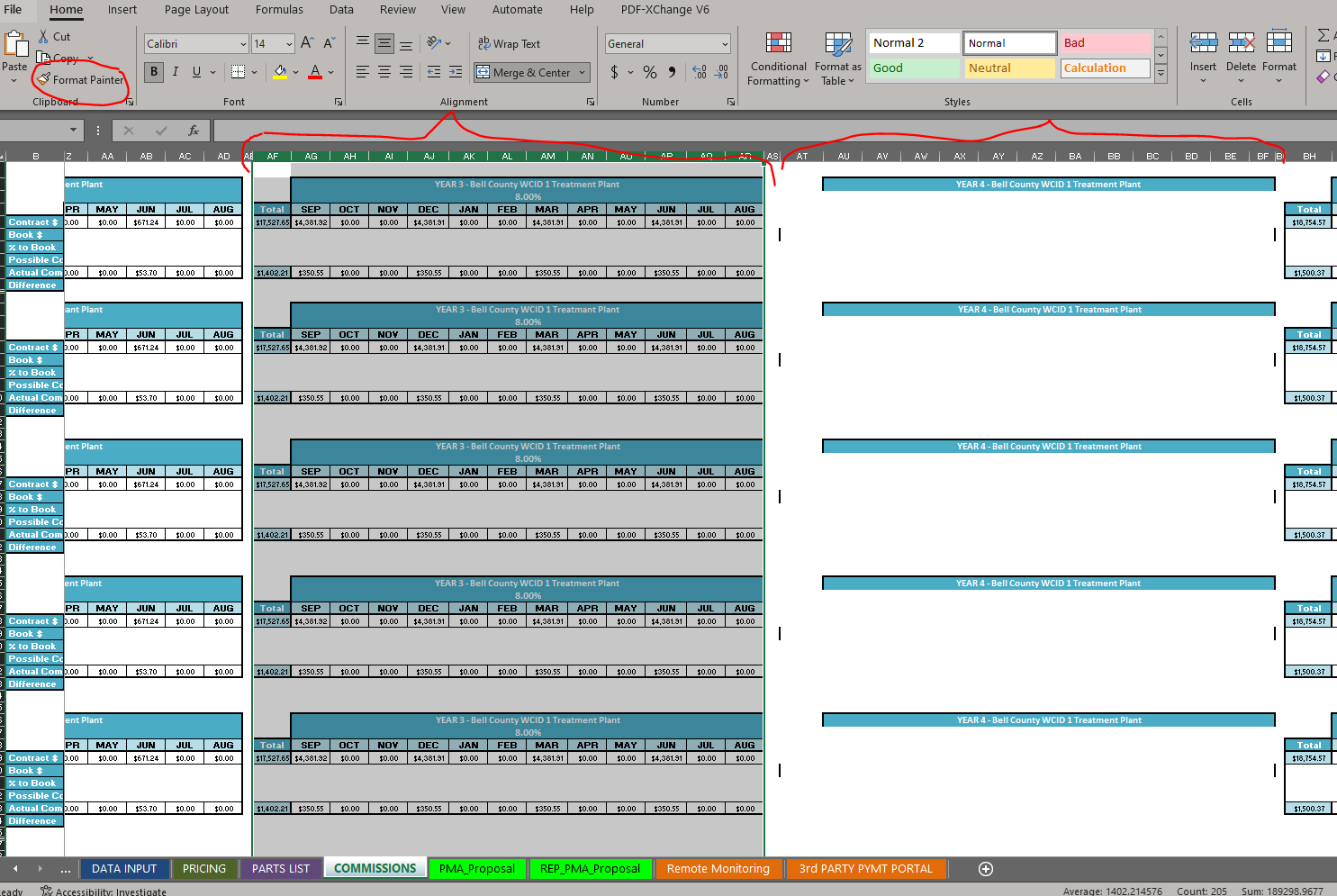
This can be fixed by copying the format of one cell to the other. In this case, select the entire column of one that does work next to it and click on Format Painter. Then you will Select AT through BF and the format will transfer over, and the table will populate.

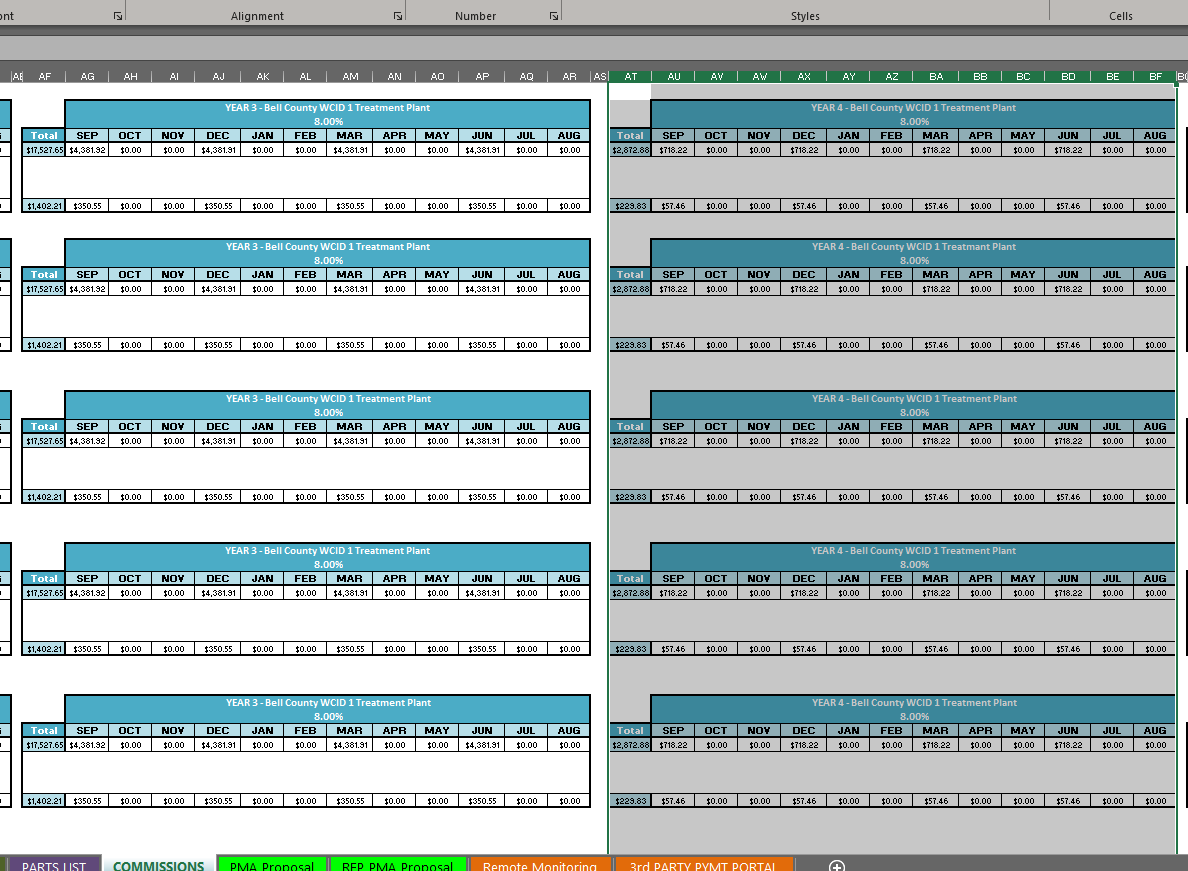
Below is what it will look like when it's successfully pasted over.

Was this article helpful?

That’s Great!

Thank you for your feedback

Sorry! We couldn't be helpful

Thank you for your feedback

Let us know how can we improve this article!

Select at least one of the reasons
CAPTCHA verification is required.

Feedback sent

We appreciate your effort and will try to fix the article